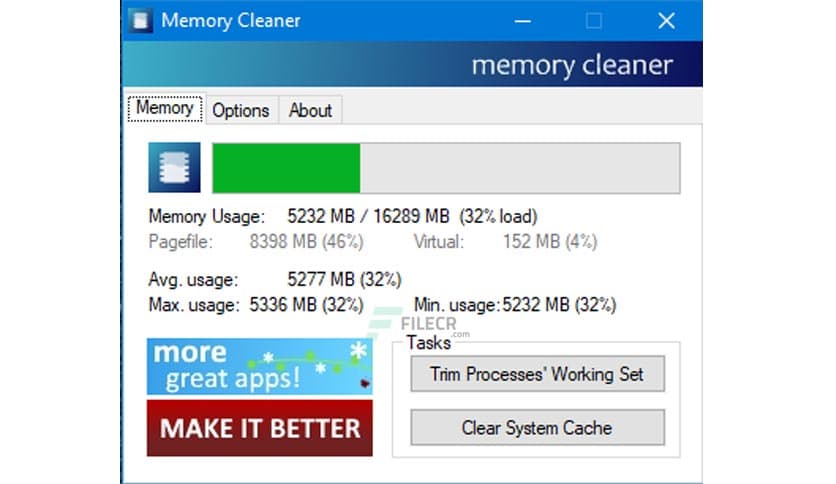
Free Download Memory Cleaner latest version standalone offline installer for Windows, it can utilize many functions in Windows to free memory.
Overview of Memory Cleaner
It uses many built-in Windows functions to free memory with no impact on your system. You can also access Memory Cleaner’s functions right from your system tray without opening the program.
It also trims processes’ working set, clears the system cache, monitors RAM usage, and reports minimum/maximum/average (actual average, not (min+max)/2) & reports Pagefile & virtual memory usage for quick viewing.
The cleaning procedures are silent, and the only time you will see an alert is to display the amount of RAM briefly recovered.
Features of the Memory Cleaner
Trims processes’ working set
Clears system cache
Monitors RAM usage and reports minimum, maximum, and average (actual average, not (min+max)/2)
Reports Pagefile and virtual memory usage
Technical Details and System Requirements
- Supported OS: Windows 11, Windows 10, Windows 8.1, Windows 7
- RAM (Memory): 2 GB RAM (4 GB recommended)
- Free Hard Disk Space: 200 MB or more







Comments
Leave a comment
Your email address will not be published. Required fields are marked *