Free Download SysTools PDF Watermark full version standalone offline installer for Windows. It can add a text or image watermark to multiple PDF files.
Overview of SysTools PDF Watermark
It is an advanced Tool for Adding Text or Image Watermarks to Multiple PDF Files Without Adobe Acrobat. Use this utility to insert watermarks into batch PDF documents on Windows.
If you want to make your confidential PDF file more copyright-protected, watermark it with this hassle-free software. It will insert any watermark into the PDF & permits its customization accordingly.
Moreover, the free demo version of PDF Watermark Generator allows you to add a watermark to multiple PDF files saved in a folder.
Features of SysTools PDF Watermark
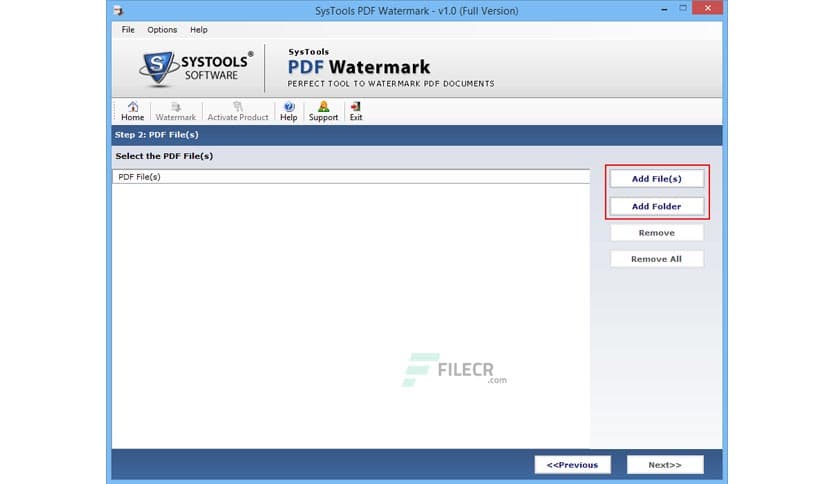
- Best software to add a watermark to PDF files in batch
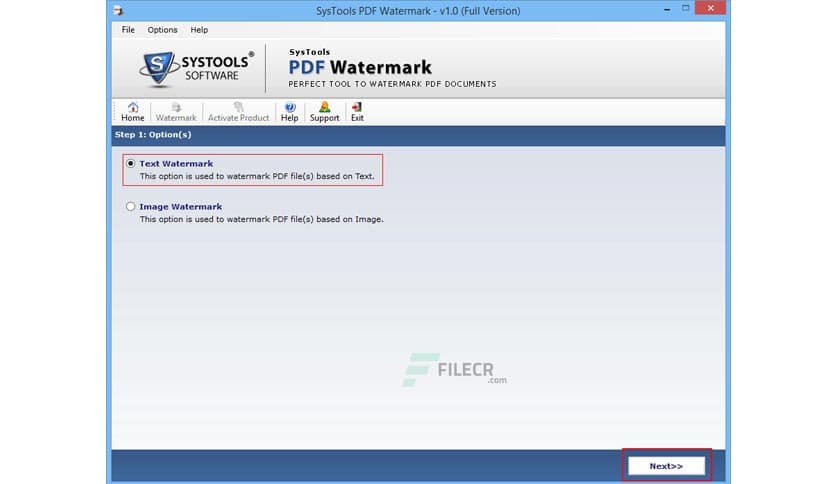
- Option to add both Text and Images as a Watermark on PDF files
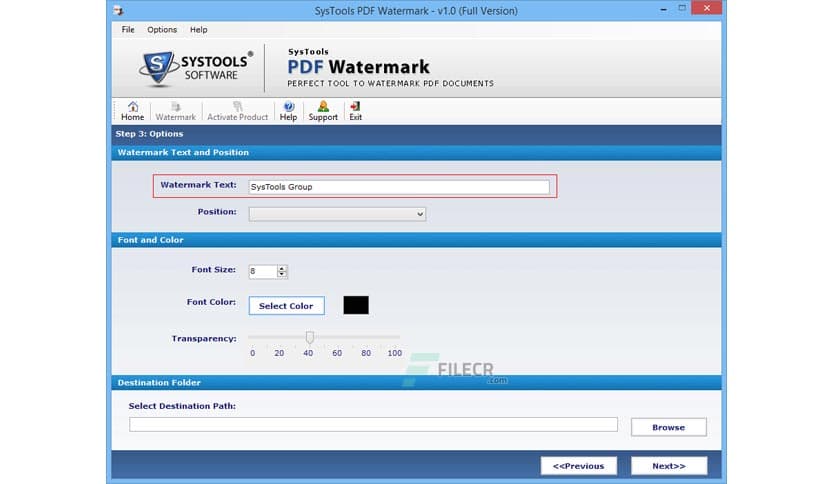
- Add any text and customize its Color, Size, & Placement
- Supports adding any image from types: JPG, PNG, GIF
- Ability to create an image watermark from an Animated GIF file
- Provides the option to set the Transparency Level of the PDF file watermark
- Unlock the secured PDF before adding an image or text watermark to it
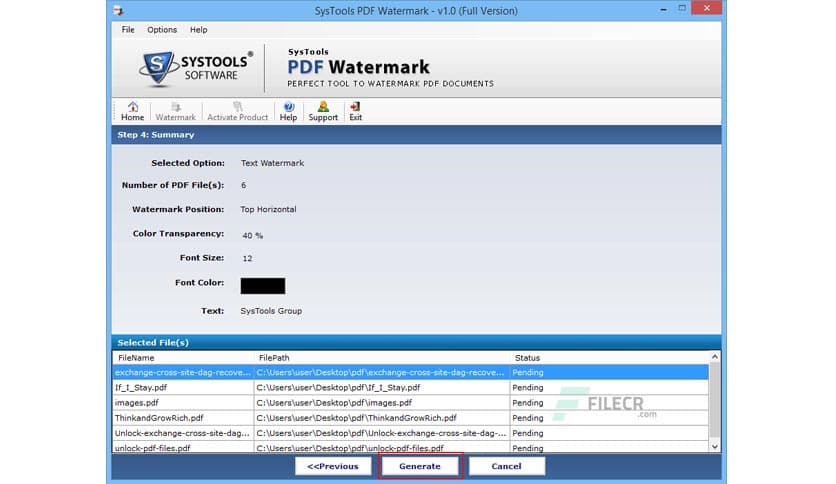
- Generates a Summary Report containing the watermark details
- Add Watermark to PDF
- Set PDF Watermark Text & Position
- Scale Image to Fit Position
- Show Summary Details
Technical Details and System Requirements
- Supported OS: Windows 7/8/10/11 with 32/64-bit processor
- Processor: Pentium IV or higher
- RAM: 1 GB RAM (2 GB recommended)
- Free Hard Disk Space: 200 MB or more














Comments
Leave a comment
Your email address will not be published. Required fields are marked *